Black Friday 2026 Deal Swap: 26% Off SweetCode Plugins, Plus Partner Deals

· 5 min read

Mark Koemans
Content Writer

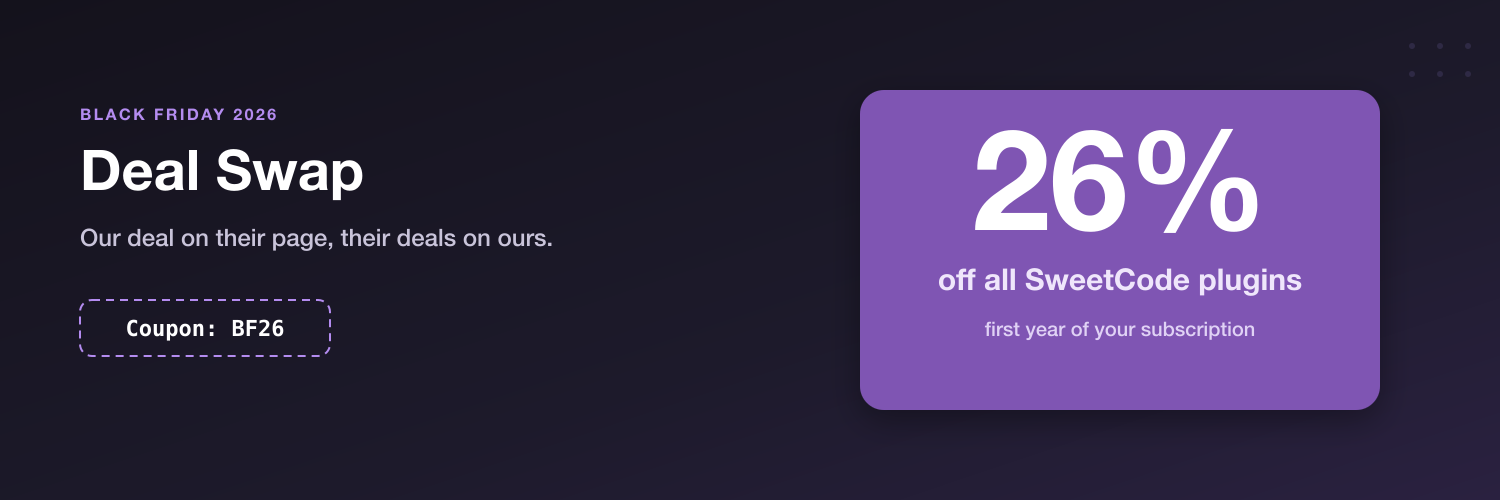
Black Friday 2026 Deal Swap

Black Friday is the busiest week of the year for WooCommerce and WordPress shops, and also the best week to pick up the tools you have been putting off. This year we are doing it a little differently: we are swapping deals with other WordPress companies we like. They list our deal on their page, we list theirs on ours.

Below you will find our own Black Friday offer, followed by the partner deals that have joined the swap so far.

Google Ads Finally Has a Conversions API: Server-Side Purchase Tracking for WooCommerce

· 10 min read
Aleksandar Vucenovic
Chief Growth Officer

featured image

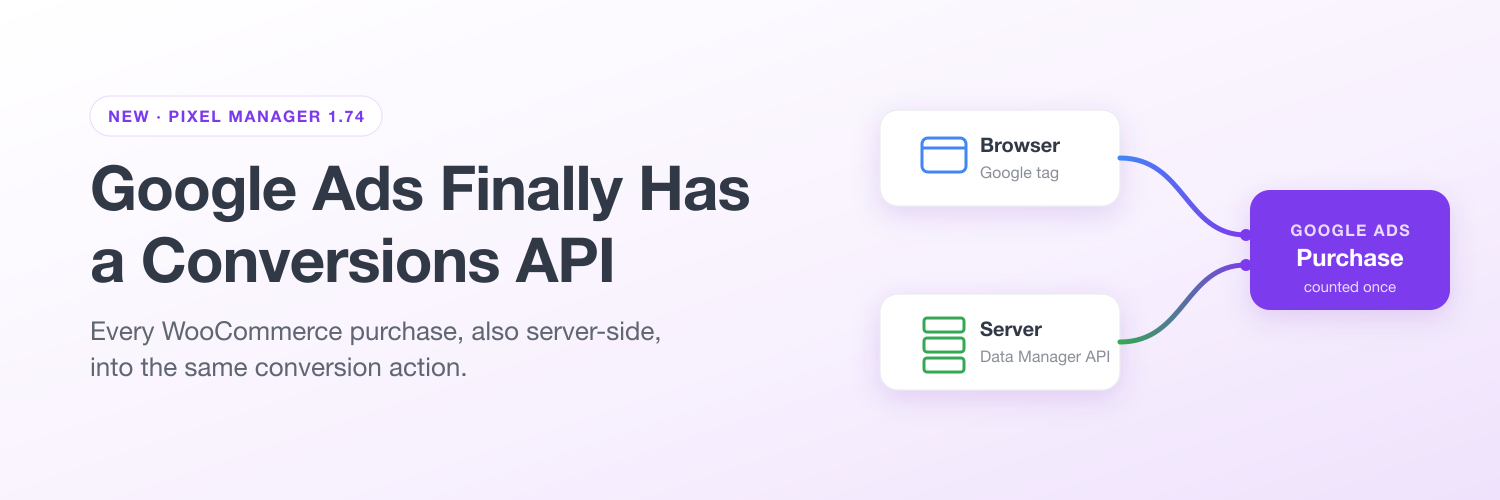
Meta advertisers have had the Conversions API for years. Every purchase reaches Meta twice, once from the visitor's browser and once from your server, and Meta merges the two into one conversion. If the browser misses a sale, the server still reports it.

Google Ads never had that for web purchases. As of version 1.74.0, the Pixel Manager closes that gap: every purchase is uploaded to Google Ads from your server, into the same conversion action your Google tag already uses, and refunds correct themselves.

How to Stop Your WooCommerce Store From Breaking

· 12 min read
Maria Pirzada Ansari
Computer Scientist and Content Writer

How to stop your WooCommerce store from breaking

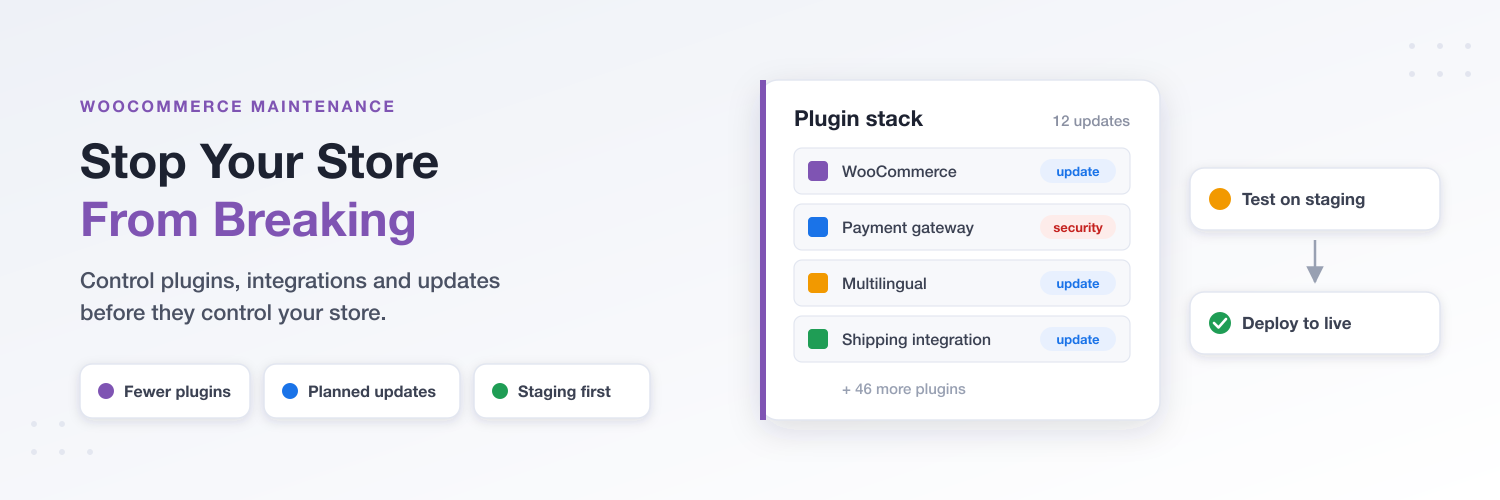
Your WooCommerce store probably started with a theme, a few essential plugins, and a handful of products. Because everything worked, you kept building. Maybe you added payment gateways, marketing tools, shipping integrations, multiple languages, and more product variations as your business grew.

Now, you're receiving update notifications from WordPress, WooCommerce, your theme, and dozens of plugin developers. Every update is another change to manage, test, and potentially fix.

How to Set Up WooCommerce and Google Ads Conversion Tracking in 5 Minutes

· 8 min read
Maria Pirzada Ansari
Computer Scientist and Content Writer

How to set up WooCommerce and Google Ads conversion tracking in 5 minutes

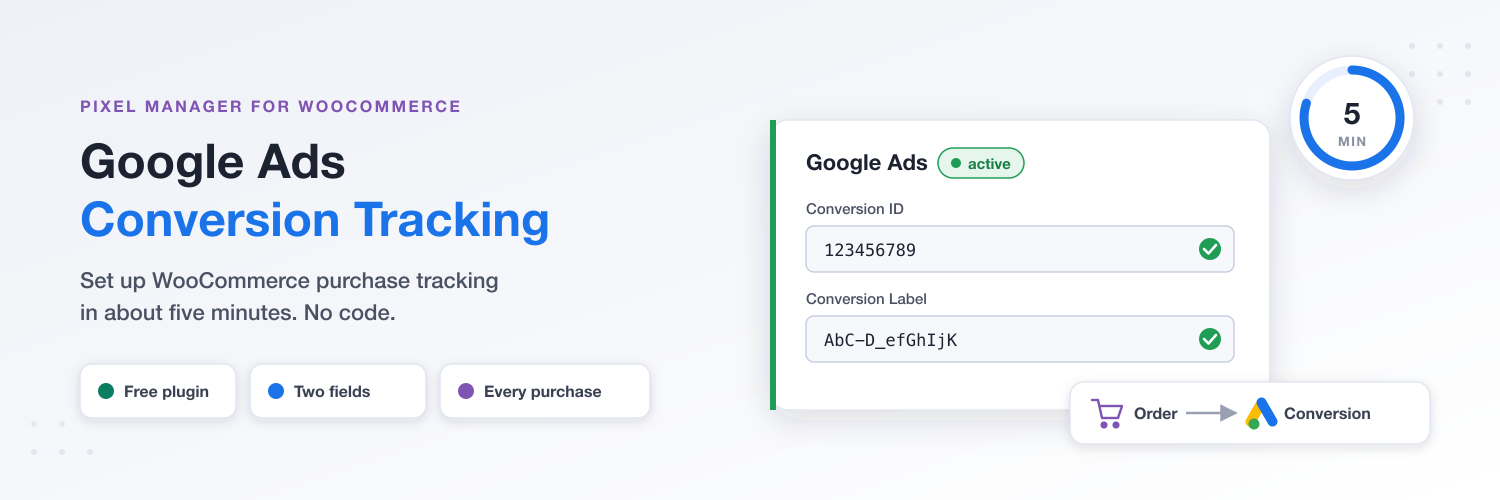
Running Google Ads for your WooCommerce store is only a fraction of the job. You also need to know which ad clicks result in purchases so you can measure campaign performance and make better decisions about where your advertising budget goes.

That's where conversion tracking comes in.

Meta-enabled Conversions API: What the One-Click Setup Does, and What It Cannot Do

· 18 min read
Aleksandar Vucenovic
Chief Growth Officer

Meta-enabled Conversions API: the three levels of Meta tracking

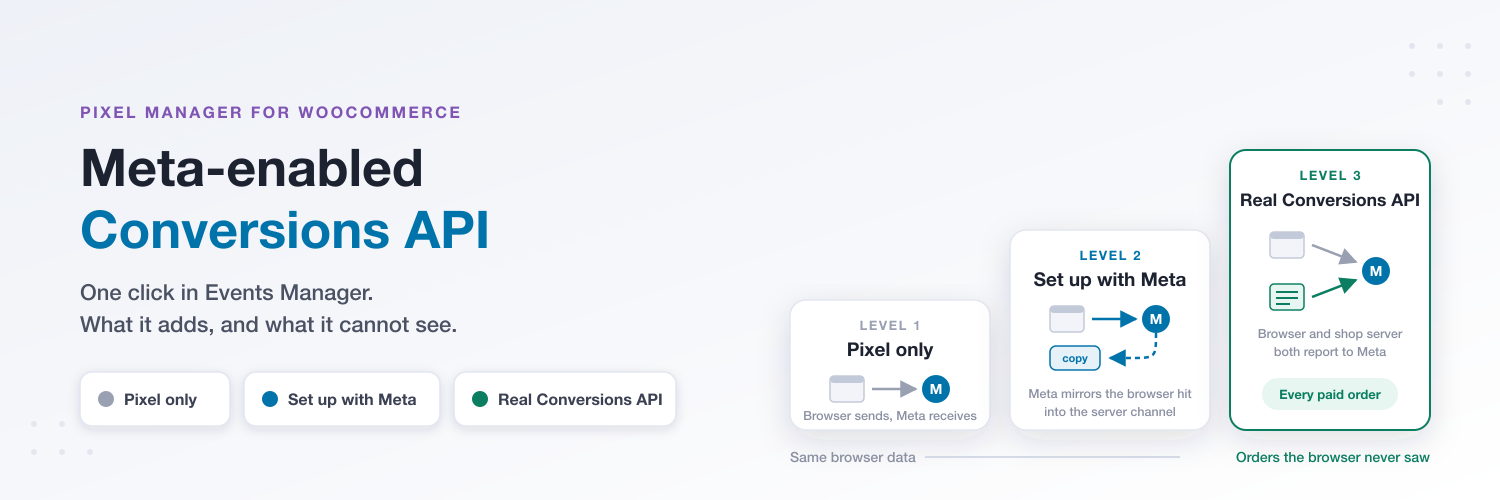
In April 2026 Meta added a new option to Events Manager: a Conversions API connection you switch on with one click, no code, no access token, no server. Meta calls it the Meta-enabled Conversions API, the button reads Set up with Meta, and it has been showing up in our support inbox ever since, usually as the question "do I still need the Pixel Manager's Conversions API if Meta now does this for free?"

The short answer is that the new option is a real improvement over a Pixel-only setup, it is safe to switch on, and it is not the same thing as a Conversions API integration that sends events from your shop server. This article explains what it does, how it does it, and where each of the three levels of Meta tracking fits.

Development Update August 2026 (#15)

· 28 min read
Aleksandar Vucenovic
Chief Growth Officer

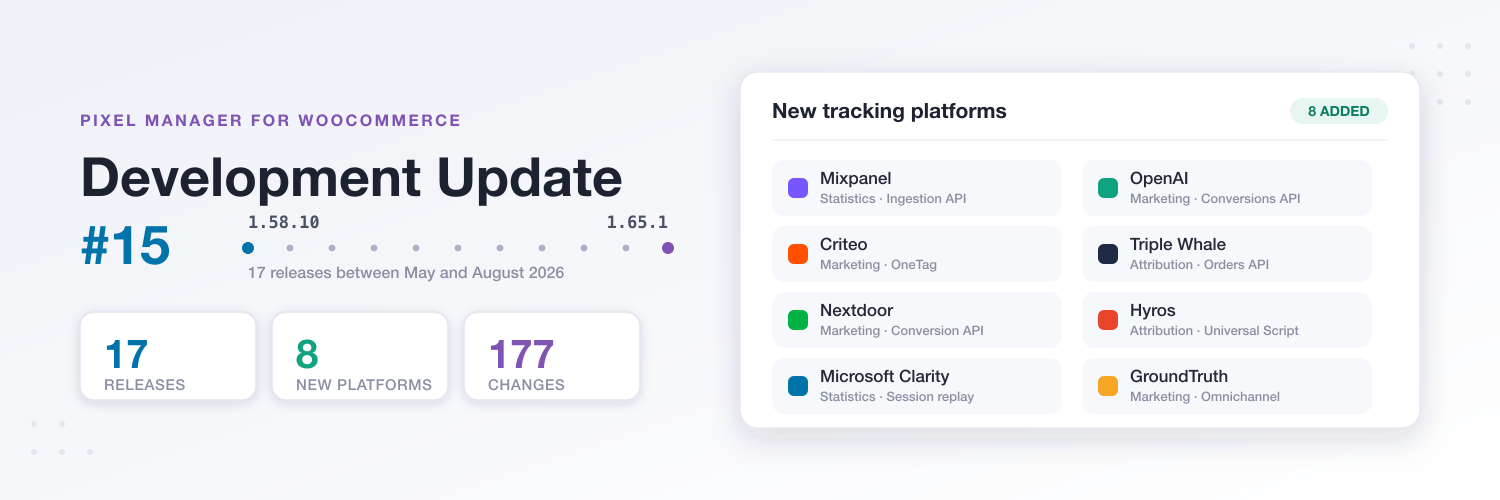
Development Update 15: 17 releases, 8 new platforms, 177 changelog entries

TLDR​

  • Eight new tracking platforms: OpenAI, Mixpanel, Criteo, Nextdoor, Hyros, Triple Whale, Microsoft Clarity and GroundTruth, plus a new Attribution category
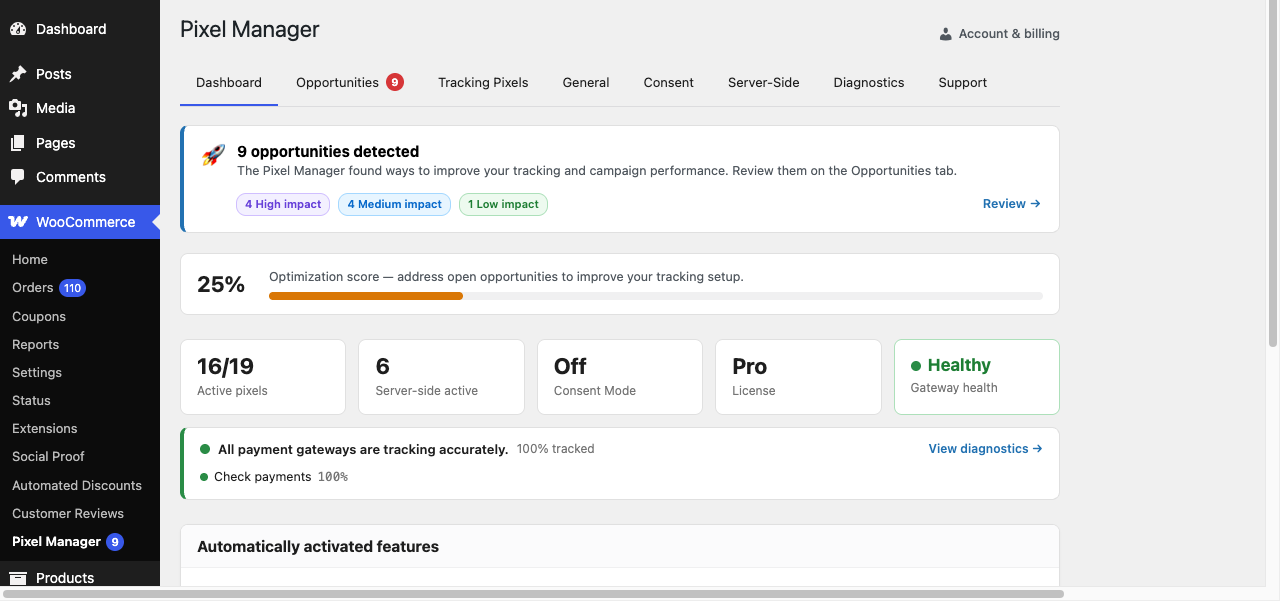
  • Nova is now the default interface on every install, with a guided setup that confirms your first tracked order
  • Deposits and partial payments are finally counted as one sale, for the full amount, instead of one conversion per instalment
  • Carts changed server-side (funnel builders, persistent carts, auto-added products) are now visible to the browser events, so checkout steps stop reporting a value of 0
  • Conversion values were corrected for fee lines, amount-only refunds, per-item bundles and the Google Ads adjustments feed
  • An unanswered cookie banner is no longer read as consent on Cookie Script, Complianz and iubenda
  • A jQuery-free event API (pmw.bus) and a rebuilt tracking library core, with a snapshot test suite that pins every pixel payload
  • 17 releases, 27 new features, 80 improvements and 70 bug fixes between 1.58.10 and 1.65.1

OpenAI Ads Tracking for WooCommerce: Measure Your ChatGPT Campaigns

· 13 min read
Aleksandar Vucenovic
Chief Growth Officer

featured image

ChatGPT has become a place where people decide what to buy, and OpenAI now sells ads inside those conversations. Six months ago, joining that program meant a six-figure spending commitment. Today the minimum is gone, the sign-up is self-serve, and any WooCommerce store in a supported country can run a campaign.

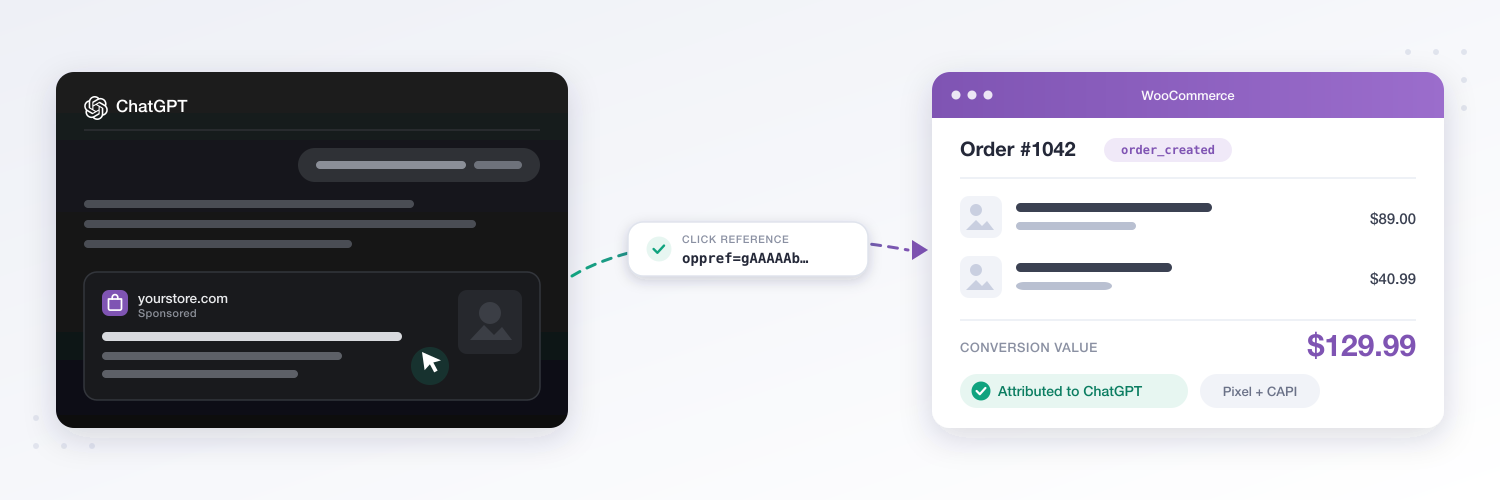
The Pixel Manager tracks those campaigns end to end. Not just a page view, but the full shopping funnel, purchases sent server-side, and the ChatGPT click reference that connects a conversation in ChatGPT to the order it produced.

Server-Side Purchase Events Now Honor Visitor Consent

· 5 min read
Aleksandar Vucenovic
Chief Growth Officer

Starting with Pixel Manager version 1.62.0, server-side purchase events (server-to-server / Conversions API) respect the consent choice your visitors make in the browser. If a visitor declines consent, the purchase event is no longer sent to the ad and analytics platforms through the server.

This is a behavior change for stores that use explicit consent management, and we want you to understand exactly what changes, why we made this decision, and what to do if your situation requires the previous behavior.

Migrating from PixelYourSite: Recreate the Advanced Marketing Events in the Pixel Manager

· 5 min read
Aleksandar Vucenovic
Chief Growth Officer

A shop owner recently wrote to our support while switching from PixelYourSite to the Pixel Manager for WooCommerce:

"We had the Advanced Marketing Events active and made audiences based on them, and after that, lookalikes. These audiences were dynamically populated based on the advanced event. Now our ads environment remains without these audiences and events. Can we somehow replicate or migrate them over?"

Short answer: yes, all of them, with one small code snippet. And you don't even have to write it yourself, because our chatbot will write it for you.