Configuration
This page documents all configuration options available in Google Customer Reviews for WooCommerce.
General Settings
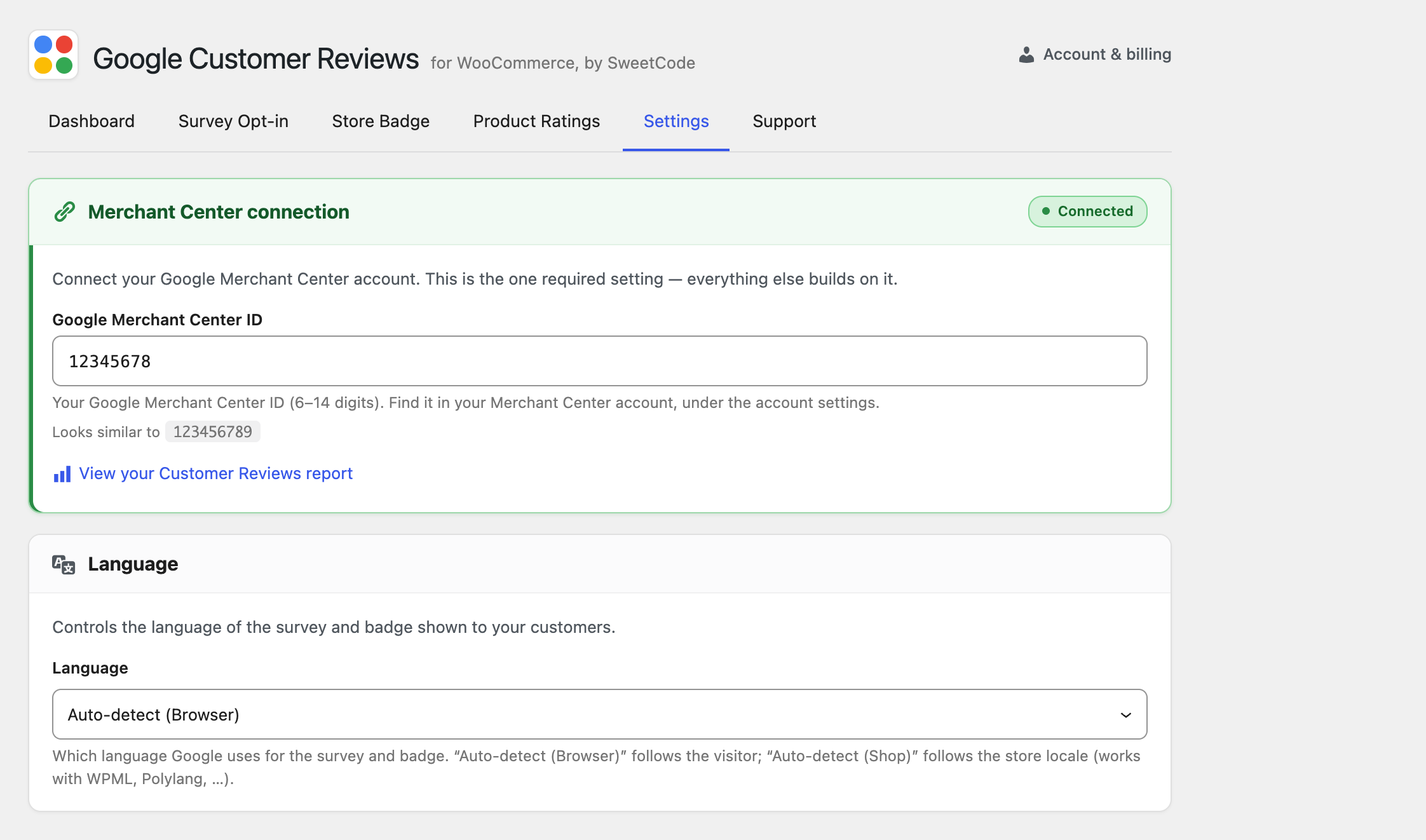
Merchant Center ID
Your Google Merchant Center ID. This is required for the plugin to function.
- Location: Google Merchant Center → Settings → Account information
- Format: Numeric ID (e.g.,
123456789)
Enable Plugin
Master toggle to enable or disable all plugin functionality.
Survey Opt-in Settings
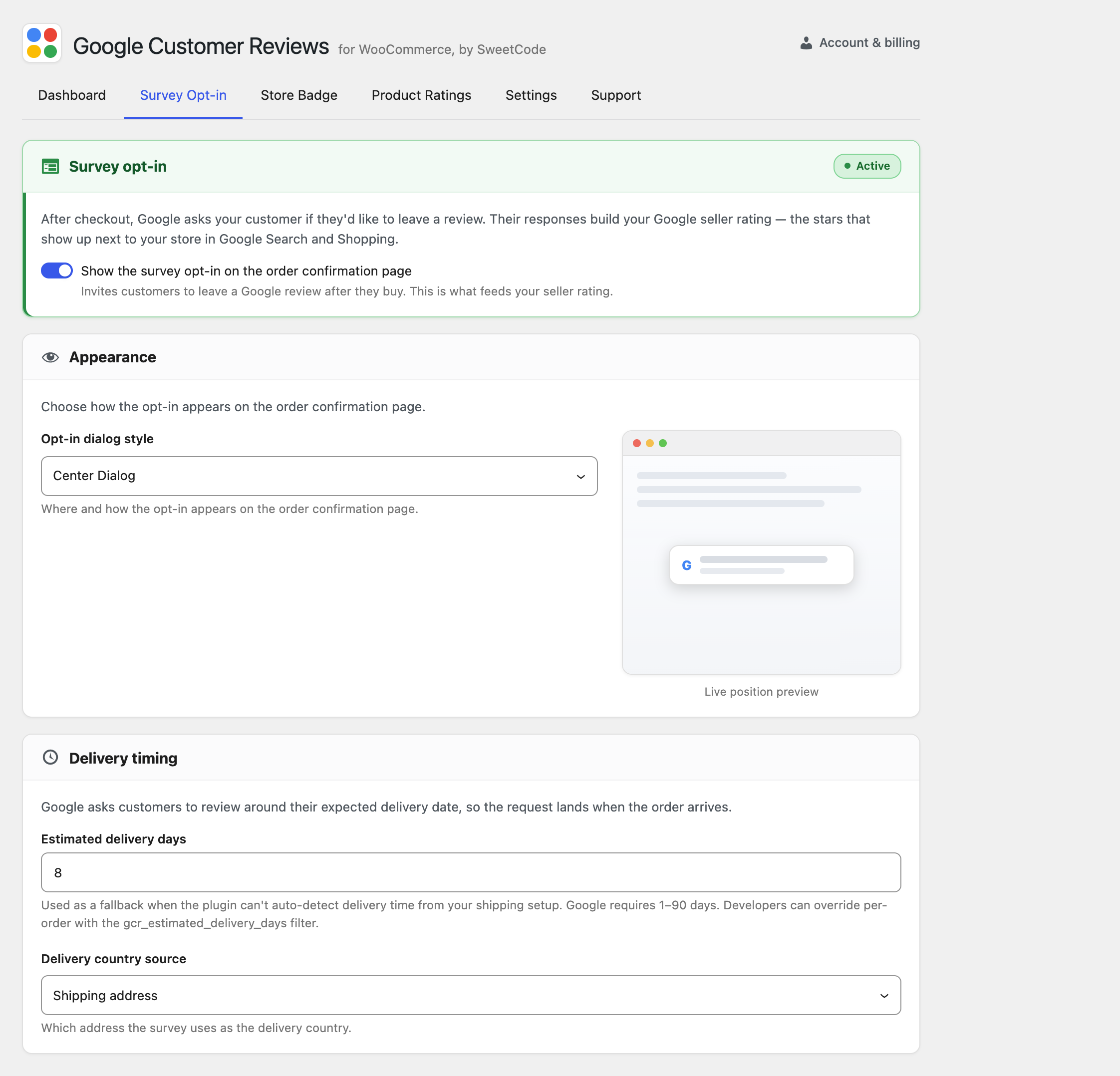
Enable Survey Opt-in
Toggle the survey opt-in module on the order confirmation page.
- Default: Enabled
Estimated Delivery Days
Number of days after the order that delivery is estimated. Google uses this to time the survey email.
- Default: 7 days
- Range: 1-30 days
Opt-in Position
Where the opt-in appears on the order confirmation page.
- Options: After order details, Before order details
- Default: After order details
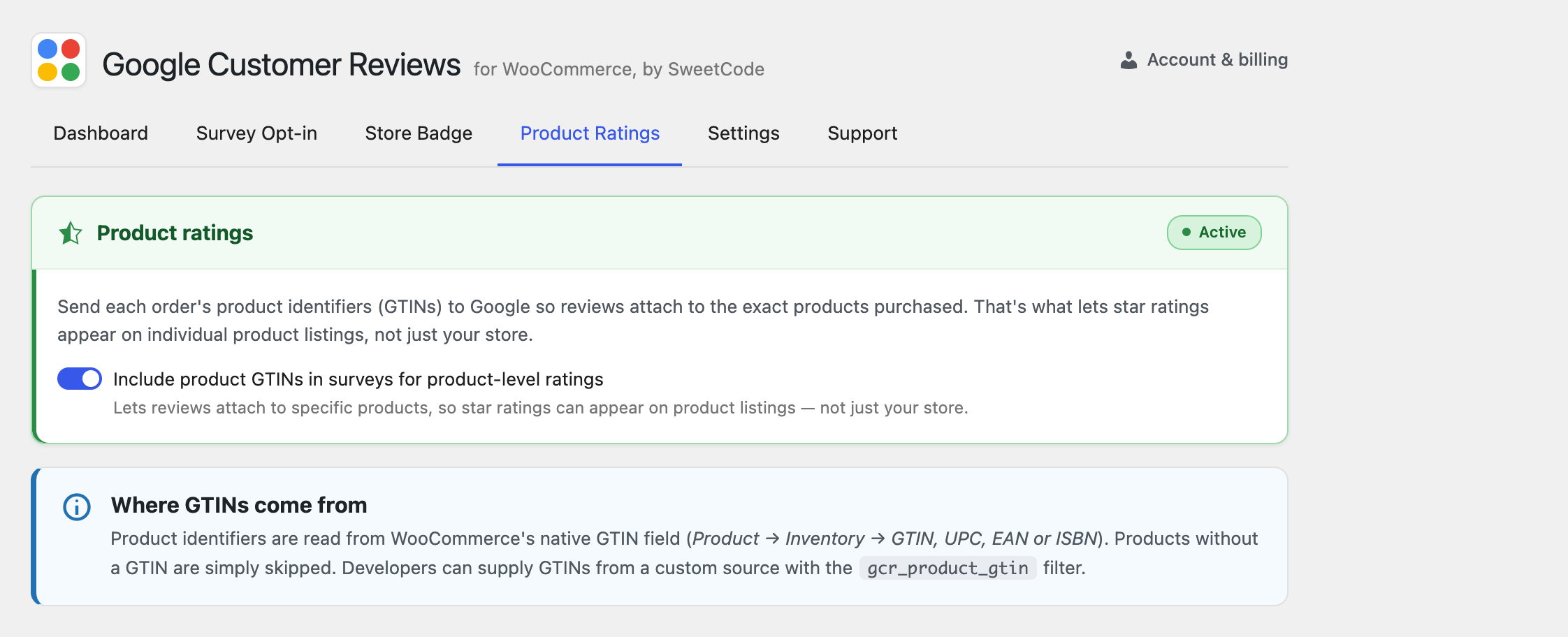
Include Product GTINs
Include product GTIN/UPC/EAN codes with the opt-in for product-level ratings.
- Default: Enabled
- Note: Products must have GTINs set, and GTINs must match your Merchant Center feed
GTIN Source
Where to pull GTIN values from:
- WooCommerce GTIN field (if using WooCommerce 9.2+)
- Custom field — Specify a custom meta field name
- SKU — Use product SKU as GTIN (not recommended)
Product-level ratings are managed on the Product Ratings tab:
Seller Rating Badge Settings
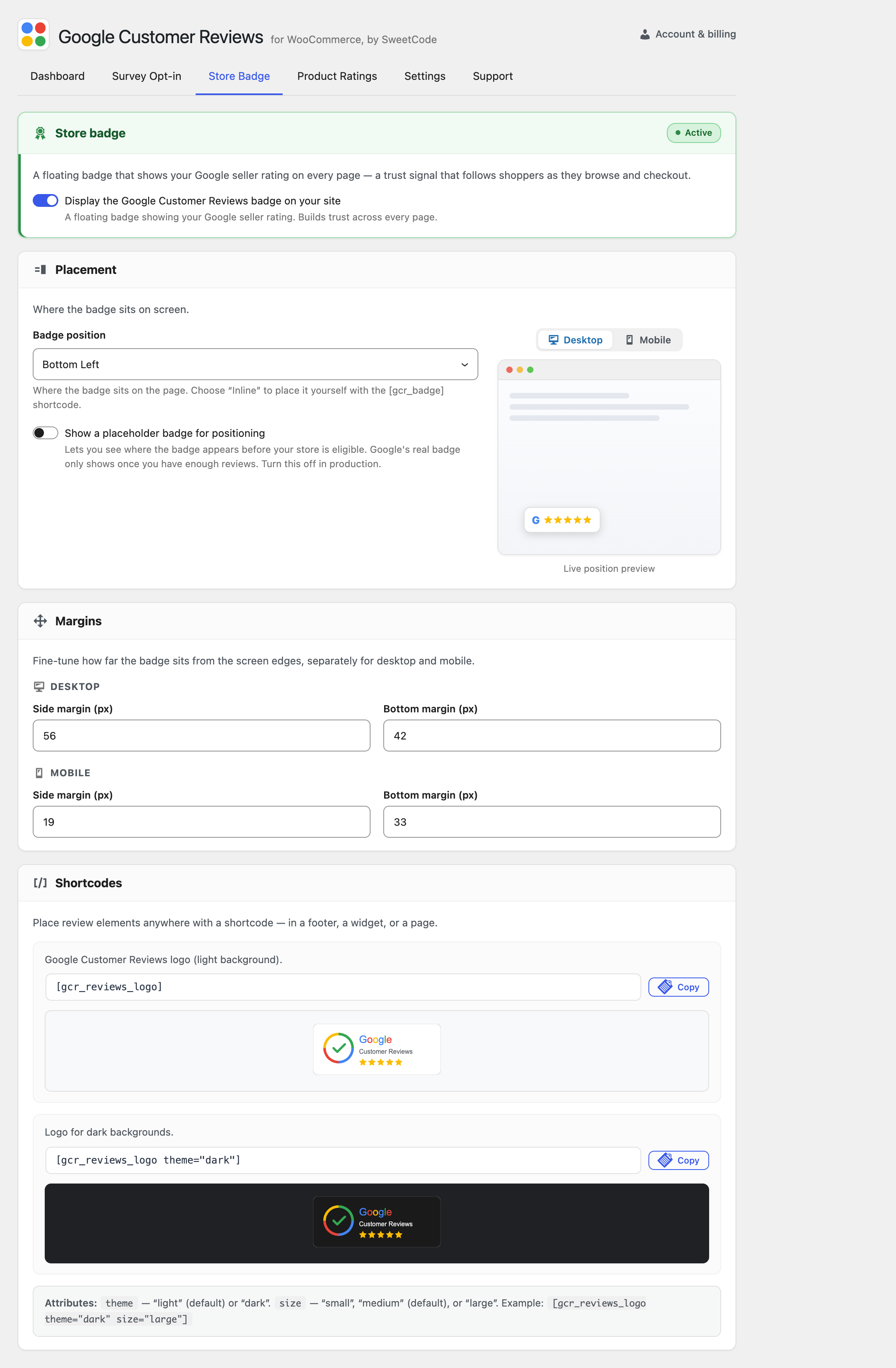
Enable Badge
Toggle the seller rating badge display.
- Default: Disabled
Badge Position
Position of the floating badge.
- Options:
BOTTOM_RIGHT,BOTTOM_LEFT,INLINE - Default:
BOTTOM_RIGHT
Badge Language
Language for the badge. Leave empty for auto-detection based on site/browser language.
- Default: Auto-detect
Advanced Settings
Debug Mode
Enable debug logging to help troubleshoot issues.
- Default: Disabled
- Log location: WooCommerce → Status → Logs
Filters and Hooks
Filters
// Modify estimated delivery days per order
add_filter('gcr_estimated_delivery_days', function($days, $order) {
    // Add extra days for international orders
    if ($order->get_shipping_country() !== 'US') {
        return $days + 7;
    }
    return $days;
}, 10, 2);

// Disable opt-in for specific products
add_filter('gcr_show_survey_optin', function($show, $order) {
    // Disable for virtual products
    foreach ($order->get_items() as $item) {
        $product = $item->get_product();
        if ($product && $product->is_virtual()) {
            return false;
        }
    }
    return $show;
}, 10, 2);

// Modify GTIN value
add_filter('gcr_product_gtin', function($gtin, $product) {
    // Custom GTIN logic
    return $gtin;
}, 10, 2);

// Control badge display
add_filter('gcr_show_badge', function($show) {
    // Hide on specific pages
    if (is_checkout()) {
        return false;
    }
    return $show;
});
Actions
// Before survey opt-in renders
add_action('gcr_before_survey_optin', function($order) {
    // Custom code before opt-in
});

// After survey opt-in renders
add_action('gcr_after_survey_optin', function($order) {
    // Custom code after opt-in
});

// Before badge renders
add_action('gcr_before_badge', function() {
    // Custom code before badge
});
WooCommerce Blocks Settings
The plugin automatically detects and works with WooCommerce Blocks checkout. No additional configuration is required.
HPOS Compatibility
The plugin is fully compatible with High-Performance Order Storage (HPOS). No additional configuration is required.
Recommended Settings
For most stores, we recommend:
- Estimated Delivery Days: Your average delivery time + 2 days buffer
- Include Product GTINs: Enabled if you have GTINs in your product data
- Badge Position:
BOTTOM_RIGHTis the most common placement - Debug Mode: Only enable when troubleshooting

