Survey Opt-in Module
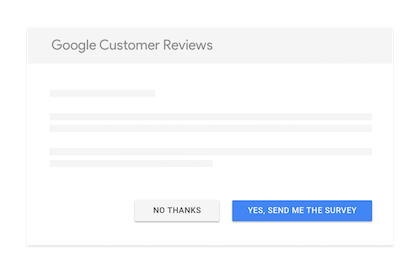
The survey opt-in module displays Google's official review survey opt-in on your WooCommerce order confirmation page. This is the core feature that allows you to collect Google Customer Reviews.
How It Works
- A customer completes a purchase on your store
- On the order confirmation (thank you) page, they see an opt-in checkbox from Google
- If they opt in, Google will email them a survey a few days after the estimated delivery date
- The customer rates their experience and submits the review
- The review contributes to your seller rating
What Customers See
After opting in, customers receive an email from Google with a simple survey asking them to rate their shopping experience.
Configuration Options
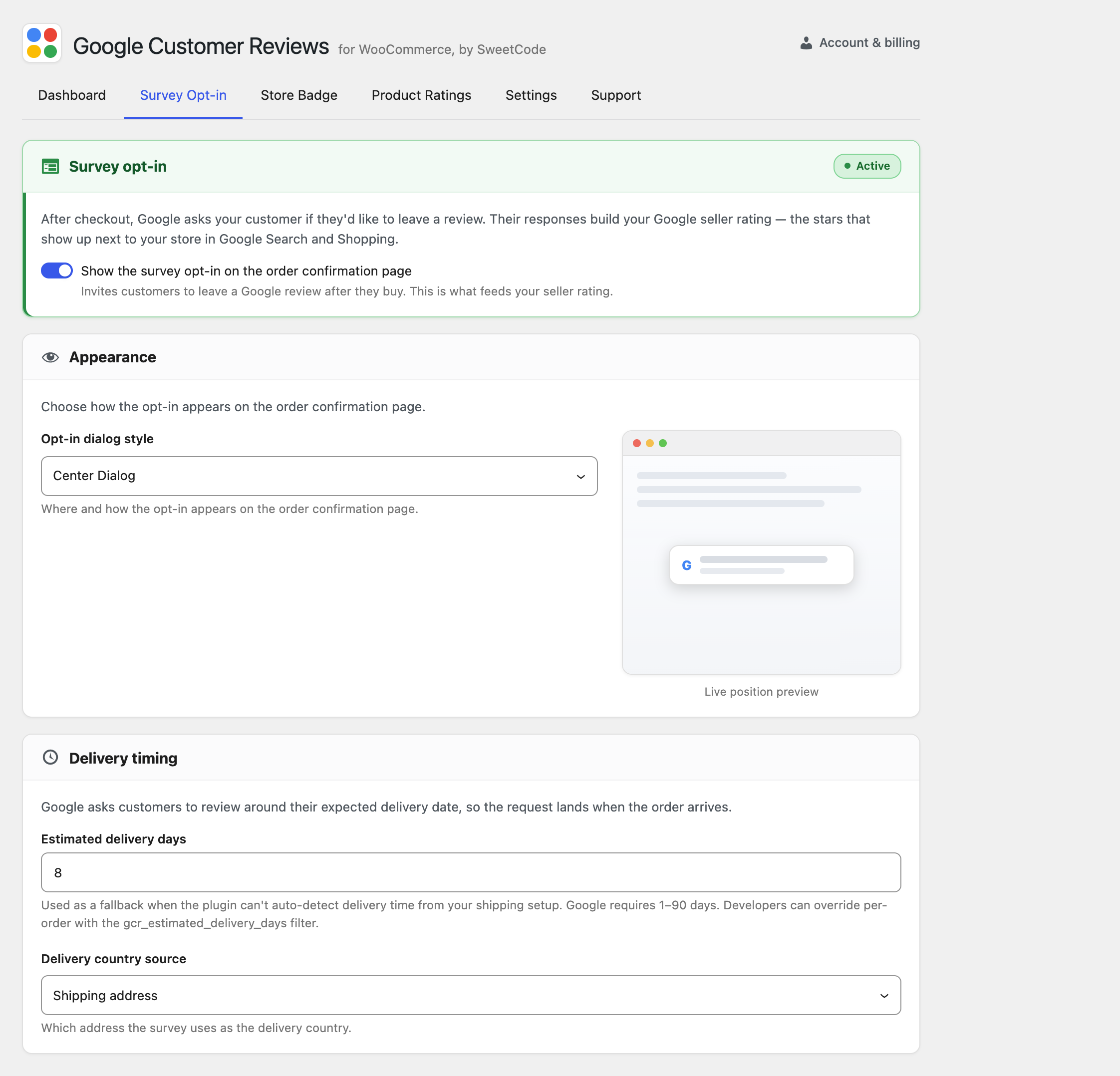
These options live on the Survey Opt-in tab of the plugin settings.
Enable/Disable
Toggle the survey opt-in module on or off. When disabled, the opt-in will not appear on the order confirmation page.
Estimated Delivery Days
Set the number of days after the order that delivery is estimated. Google uses this to determine when to send the survey email.
- Default: 7 days
- Recommendation: Set this to your typical delivery time plus a buffer
It's better to overestimate delivery time slightly. If the survey arrives before the product, customers may give lower ratings or not respond at all.
Position
Choose where the opt-in appears on the order confirmation page:
- After order details (default)
- Before order details
- Custom position (using hooks)
Language
The survey opt-in automatically displays in the customer's browser language. Google supports multiple languages for the survey.
Product GTINs for Product Ratings
To enable product-level ratings (in addition to seller ratings), you need to include product GTINs. These options live on the Product Ratings tab of the plugin settings.
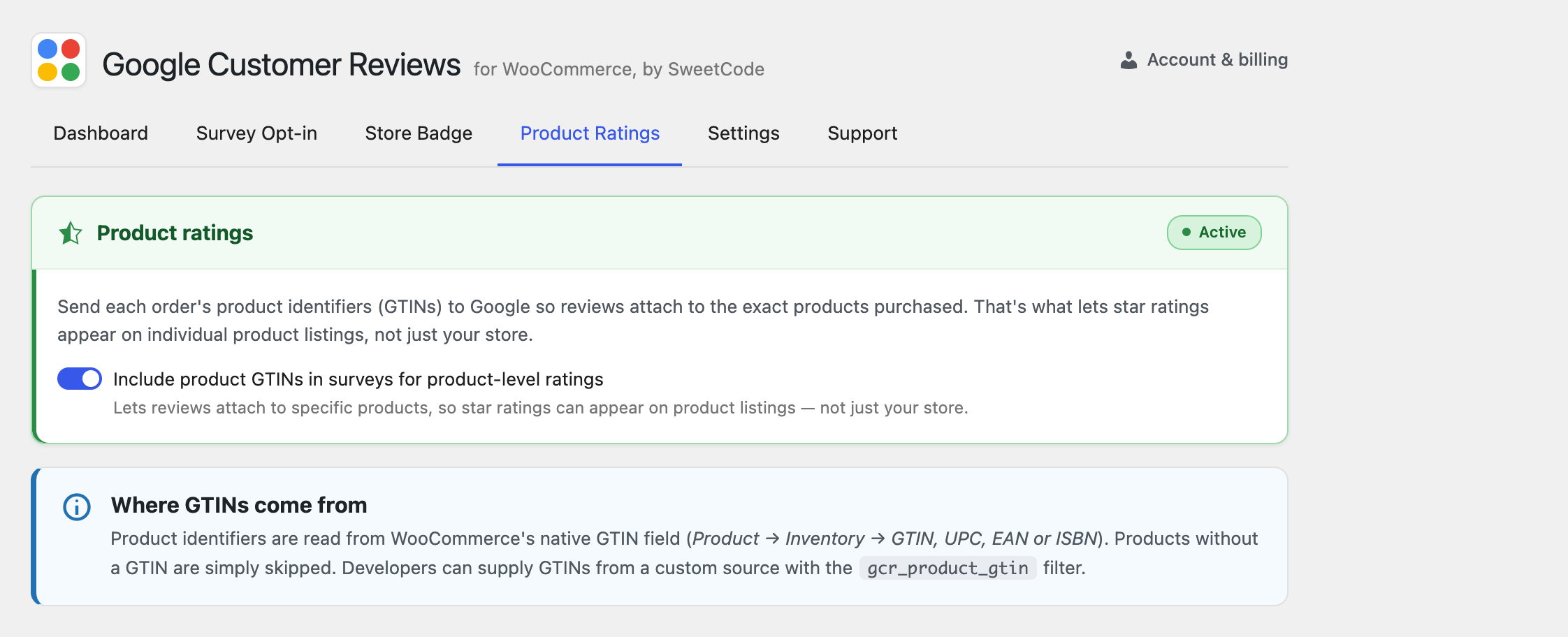
- Enable GTIN inclusion in the plugin settings
- Add GTINs to your products — Use the GTIN field in WooCommerce product settings or a compatible plugin
- The plugin will automatically include GTINs in the opt-in data
Product GTINs must match the GTINs in your Google Merchant Center feed for product ratings to work correctly.
Customization
CSS Styling
The opt-in module uses Google's standard styling. You can add custom CSS to adjust the container:
.gcr-survey-optin {
  margin-top: 20px;
  margin-bottom: 20px;
}
Custom Placement with Hooks
For advanced placement, you can disable the automatic placement and use hooks:
// Disable automatic placement
add_filter('gcr_auto_display_survey_optin', '__return_false');

// Add to custom location
add_action('your_custom_hook', function() {
    if (function_exists('gcr_display_survey_optin')) {
        gcr_display_survey_optin();
    }
});
WooCommerce Blocks Compatibility
The survey opt-in is fully compatible with the WooCommerce Blocks checkout. It automatically detects whether you're using the classic or block-based checkout and renders appropriately.
Troubleshooting
Opt-in not appearing
- Verify the plugin is activated and the survey opt-in is enabled
- Check that your Merchant Center ID is entered correctly
- Clear any page caches
- Check browser console for JavaScript errors
Opt-in appears but looks broken
- Check for CSS conflicts with your theme
- Ensure Google's scripts are not being blocked by your firewall or security plugin
See the Troubleshooting guide for more solutions.

